
01
Configure the rental
Set the activity name, duration choices, price, guest capacity, availability windows, and any waiver or deposit requirements.
Equipment rental software
Publish timed rentals, take direct Stripe payments, collect waiver evidence and refundable damage deposits, and give operators a clear view of the equipment each booking requires.
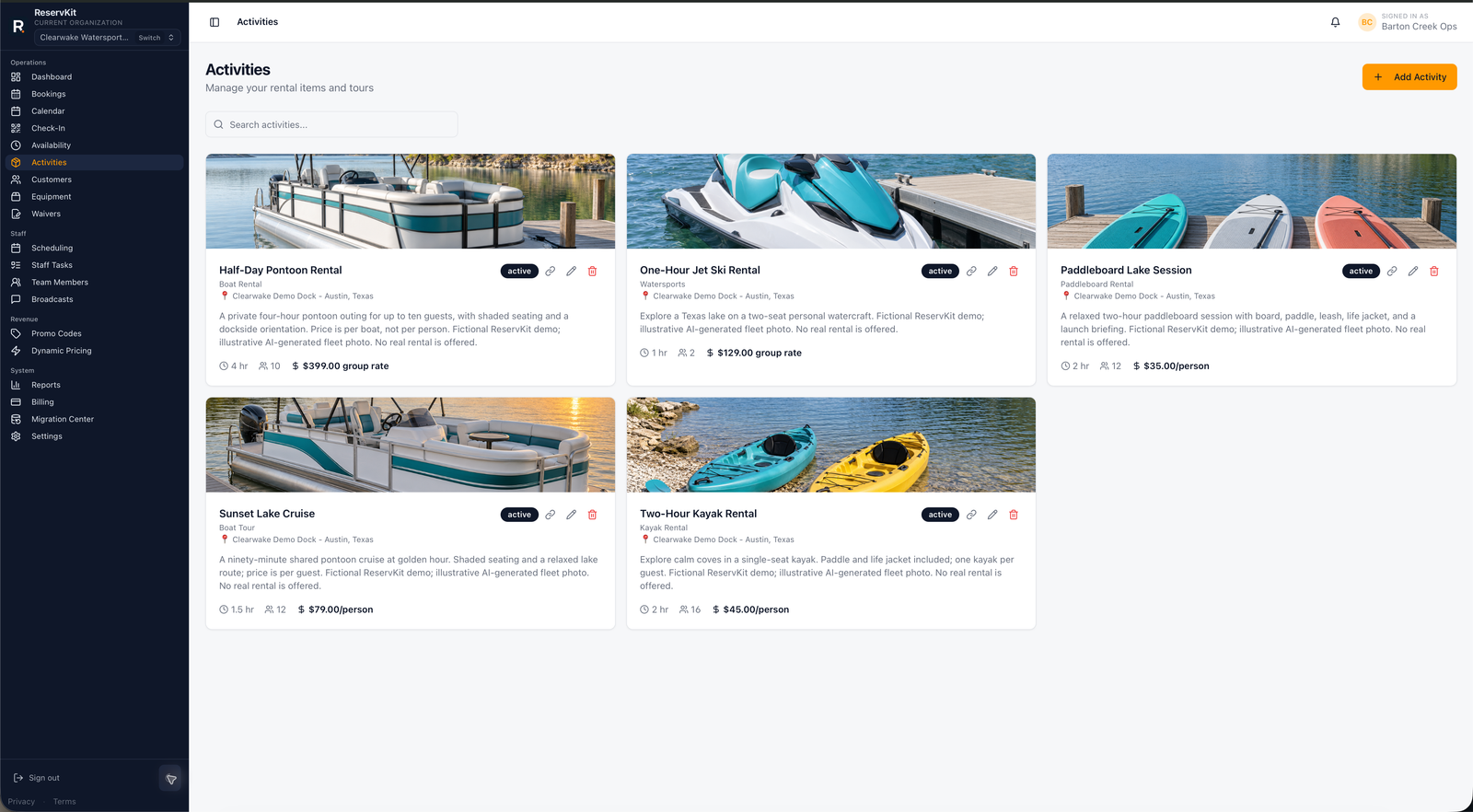
Guest capacity alone does not tell staff whether the right gear is ready. ReservKit connects activity availability to operator-configured equipment requirements and optional named units so the team can prepare the reservation without exposing internal fleet decisions to customers.
01
Set the activity name, duration choices, price, guest capacity, availability windows, and any waiver or deposit requirements.
02
Add equipment records, attach per-booking or per-guest requirements, and configure named physical units when the operation needs them.
03
Use Booking Detail and day-of views to review payment, waiver, guest, staff, and equipment readiness before arrival.
Feature availability follows the pricing tiers: Free covers the first low-volume booking flow, Starter adds staff/team tools, and Growth adds waivers, reports, broadcasts, equipment, named unit blocking, dynamic pricing, deposits, coupons, and add-ons.
No. Equipment setup is optional. An operator can begin with activity capacity and add equipment records when the business needs internal demand or named-unit tracking.
No. Customers choose the activity, time, duration, and guest details. Specific named-unit assignment remains an operator workflow.
Equipment requirements and named equipment-unit blocking are available on Growth and higher plans. Current access is shown on the Pricing and Billing pages.
No. Current equipment tools support booking demand, readiness, and named-unit blocking. Asset-code workflows, repair management, and warehouse stock accounting are not current launch features.
Start on Free for the core booking path, then use Growth when equipment requirements and named-unit blocking become part of the operation.
Start free