
01
Assign templates
Create waiver templates and attach the required set to the activities where they apply.
Bookings with digital waivers
Assign required waiver templates by activity, collect guest signer evidence, and give staff a clear view of which bookings are ready before customers arrive.
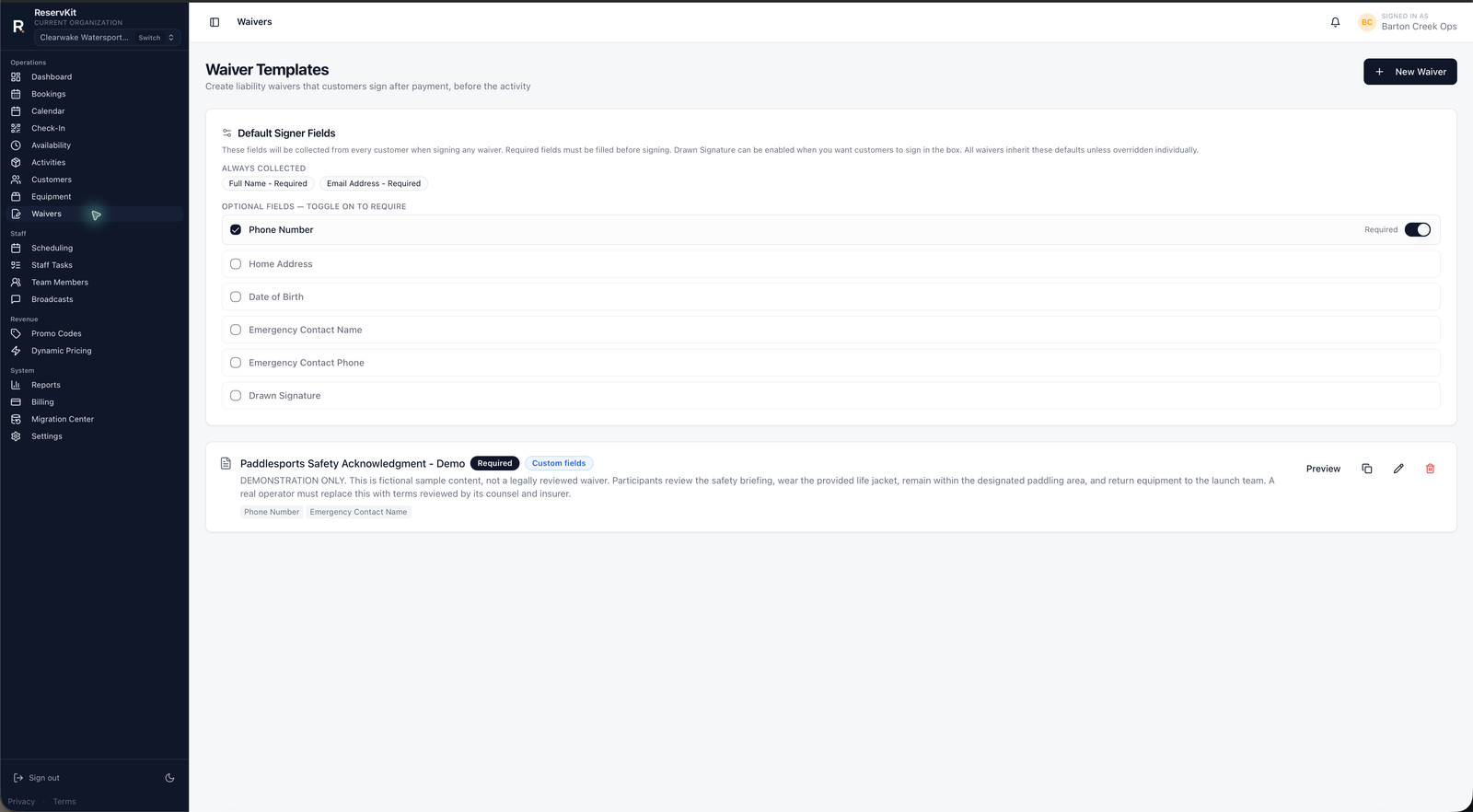
When booking records and waiver records live apart, staff have to match names under time pressure. ReservKit associates waiver requirements and signer evidence with the activity booking so the operator can review readiness in context.
01
Create waiver templates and attach the required set to the activities where they apply.
02
Guests verify by email and complete required signatures, with evidence recorded against the booking.
03
Operators and permitted staff can see signer status and identify bookings that still need attention.
Feature availability follows the pricing tiers: Free covers the first low-volume booking flow, Starter adds staff/team tools, and Growth adds waivers, reports, broadcasts, equipment, named unit blocking, dynamic pricing, deposits, coupons, and add-ons.
Yes. Operators can assign one or more waiver templates to an activity when the booking requires multiple agreements.
Yes. Current evidence includes signer identity details, verification and acceptance timestamps, signature evidence, IP and device context, and the accepted waiver text.
Yes. Waiver status is visible with the booking and in day-of workflows for roles that have the appropriate access.
No. Operators are responsible for their waiver language and should use qualified legal counsel for their business and jurisdiction.
Start on Free, then use an eligible plan when your live operation needs the waiver tools.
Start free