
01
Configure
Set the refundable damage deposit for the eligible activity and confirm the active plan supports it.
Refundable damage deposits
Collect an eligible refundable damage deposit as a separate charge line at checkout, keep its status with the booking, and refund the appropriate amount through Stripe after the rental. This is not a card authorization hold.
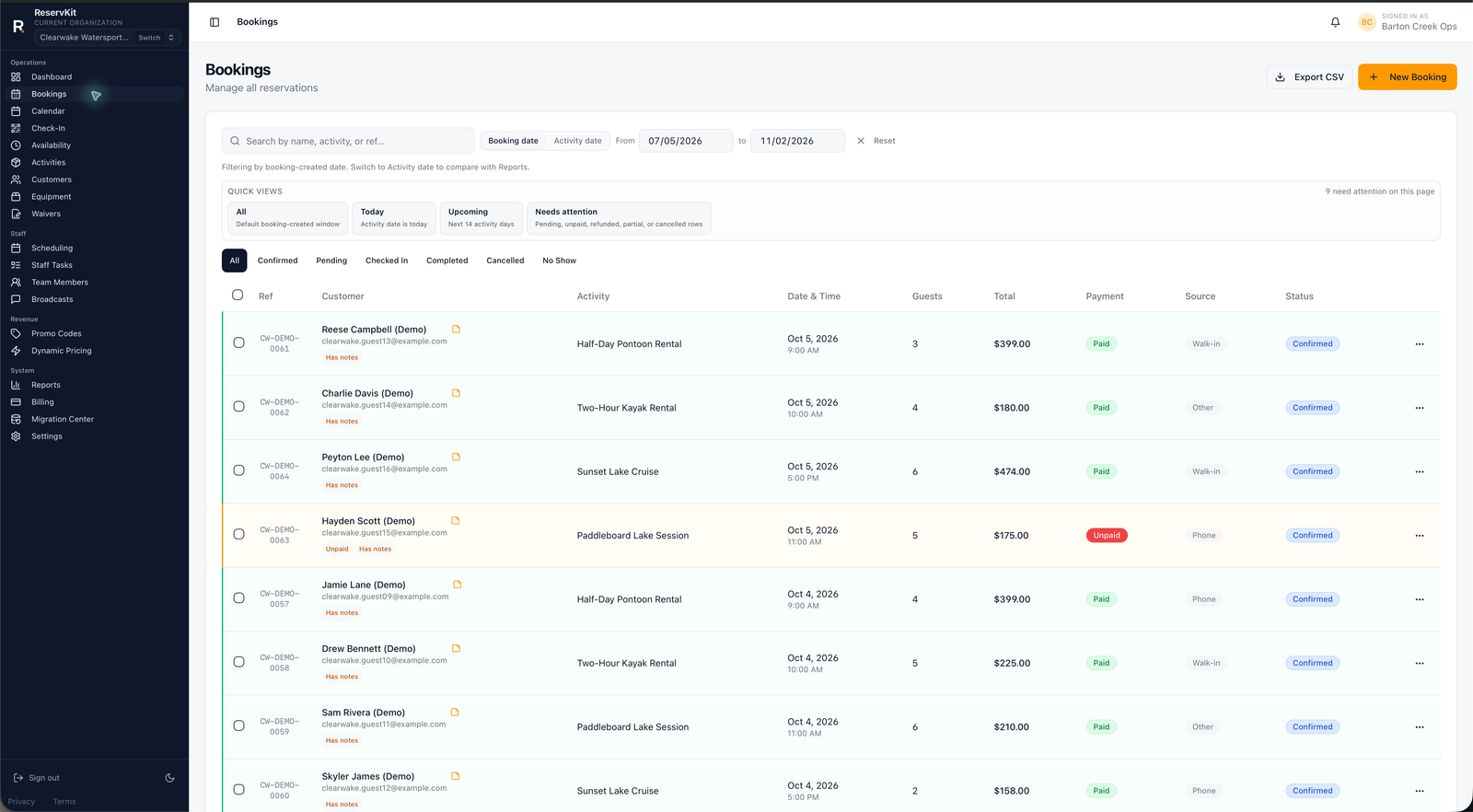
Collecting a deposit is only one step. The booking record also needs to show the customer, activity, payment context, and deposit status so an operator can review what happened and complete the appropriate Stripe action after the rental.
01
Set the refundable damage deposit for the eligible activity and confirm the active plan supports it.
02
ReservKit creates the connected-account Stripe Checkout flow with the configured booking amounts.
03
Review the rental and refund the appropriate amount through Stripe under your policy. Record the deposit outcome in ReservKit; changing its status alone does not return funds or collect an additional damage charge.
Feature availability follows the pricing tiers: Free covers the first low-volume booking flow, Starter adds staff/team tools, and Growth adds waivers, reports, broadcasts, equipment, named unit blocking, dynamic pricing, deposits, coupons, and add-ons.
ReservKit models this as a refundable damage deposit. The actual money movement must be completed through Stripe according to the operator's policy and the transaction state.
No. The operator should verify and complete the real Stripe action. ReservKit's status helps record the operational outcome but is not a substitute for the Stripe transaction.
No. Refundable damage deposits are included from the Growth tier upward under the current plan structure.
The current payment workflow supports full and partial refund requests for eligible Stripe-backed payments, subject to the transaction state and operator policy.
Configure one activity and verify the complete checkout and operator follow-up before going live.
Start free