
01
Complete Stripe onboarding
The business connects its Stripe account and completes the information Stripe requires for live payments.
Rental bookings with Stripe
Connect the operator's Stripe account, let ReservKit create the checkout flow, and keep payment status connected to the customer booking and day-of workflow.
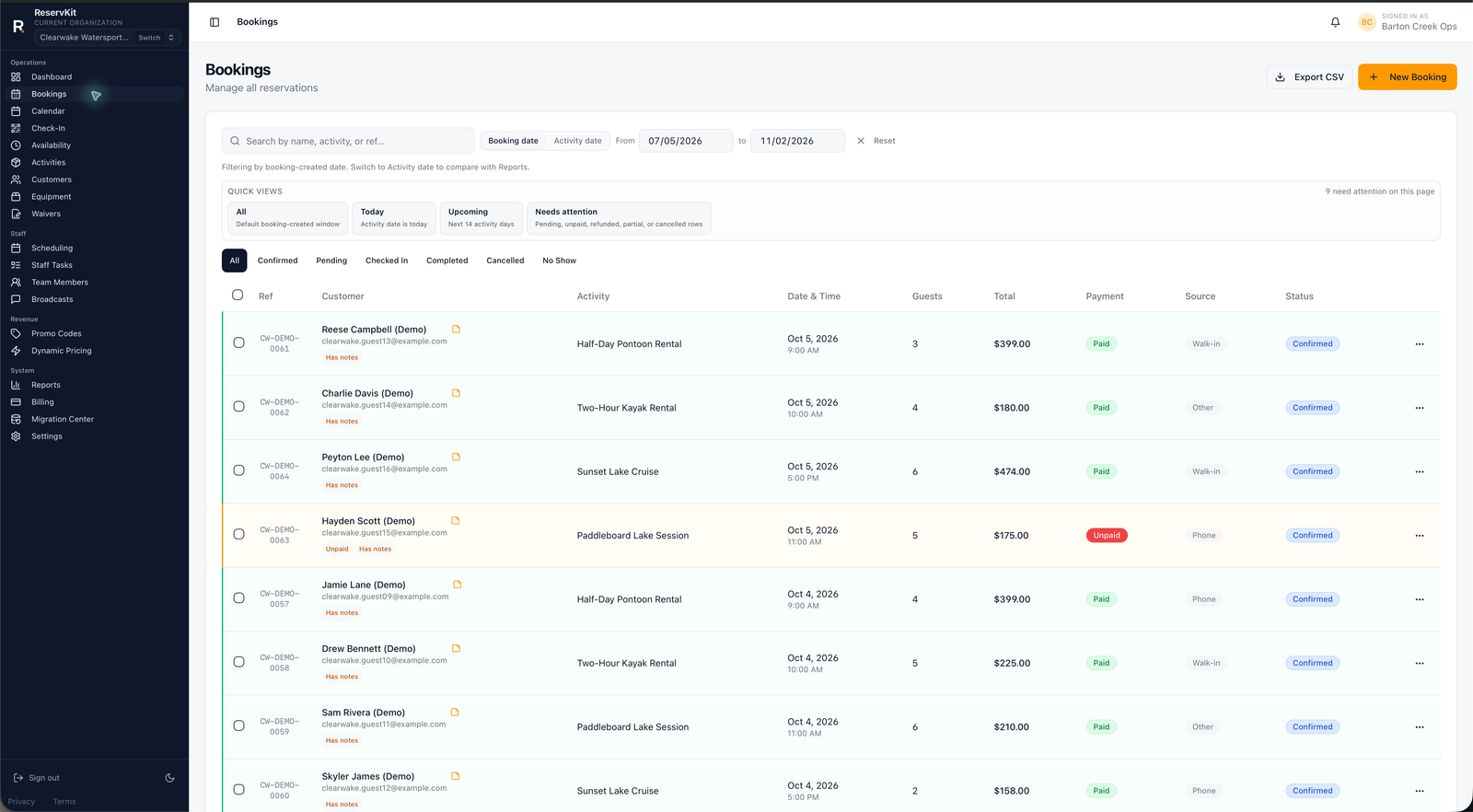
A successful Stripe payment still has to match the right customer, activity, date, guests, and operational status. ReservKit creates the connected-account checkout flow and records the resulting payment context with the booking.
01
The business connects its Stripe account and completes the information Stripe requires for live payments.
02
ReservKit creates a Stripe Checkout flow for the selected activity and configured booking amounts.
03
Payment status, customer details, refunds, deposit context, and booking status remain available to permitted operators.
Feature availability follows the pricing tiers: Free covers the first low-volume booking flow, Starter adds staff/team tools, and Growth adds waivers, reports, broadcasts, equipment, named unit blocking, dynamic pricing, deposits, coupons, and add-ons.
Yes. ReservKit uses Stripe Connect so each operator completes the connected-account onboarding required for its payment setup.
Stripe controls payout timing, processing fees, and connected-account money movement. ReservKit publishes its separate plan and booking fees.
No paid booking flow should be treated as ready until the business has completed the required Stripe onboarding and ReservKit reports the connection as ready.
Eligible Stripe-backed payments support full and partial refund requests through the operator workflow, subject to payment state and Stripe results.
Start on Free, configure an activity, and verify Stripe readiness before taking customer payments.
Start free