
01
Map
Record the existing activity details, booking rules, customer fields, payment setup, waiver requirements, and links currently in use.
Switch rental booking systems
Avoid a risky all-at-once migration. Rebuild one real activity, connect the payment and waiver paths, complete a customer test booking, and only then replace the links sending traffic to your old system.
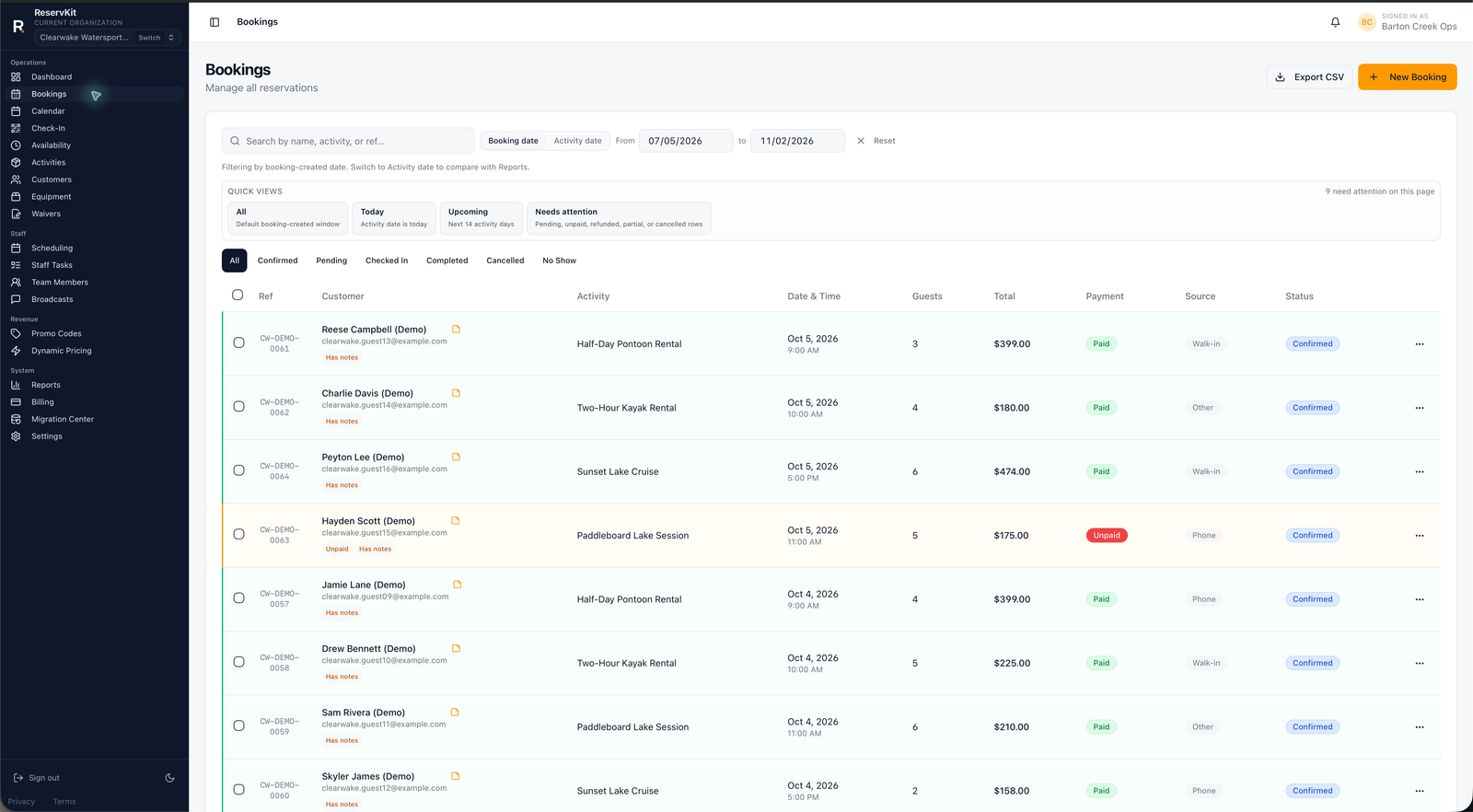
Booking migrations fail when operators recreate a catalog but skip the complete customer and operator journey. ReservKit's guided setup offer centers on one first bookable flow that can be inspected end to end before launch.
01
Record the existing activity details, booking rules, customer fields, payment setup, waiver requirements, and links currently in use.
02
Configure the activity in ReservKit, connect Stripe, attach waivers, and complete the full booking as a customer.
03
Verify the operator record and communications, then update only the customer links you are ready to move.
Feature availability follows the pricing tiers: Free covers the first low-volume booking flow, Starter adds staff/team tools, and Growth adds waivers, reports, broadcasts, equipment, named unit blocking, dynamic pricing, deposits, coupons, and add-ons.
No. Moving one representative activity first limits risk and gives the team a real workflow to validate before expanding.
Existing data migration depends on the format and completeness of the export from the current platform. It should be assessed before any import commitment is made.
After the activity, availability, Stripe connection, waivers, customer checkout, communications, and operator record have all been tested successfully.
Yes. The staged approach is designed so configuration and testing can happen before customer traffic is moved.
Start on Free or request guided setup before changing any customer-facing link.
Start free